

How you can create pattern templates from your own designs — including 3 free templates!
I love using pattern templates because they make the whole surface pattern design process much easier. In this post, I want to share how to create pattern templates from your own repeat patterns. As a bonus, I’m giving you 3 pattern templates I created from my own patterns — ready for you to use!
No time to read the whole article? Jump to TL;DR!
Do you sometimes struggle to create a nicely flowing repeat pattern? Or do you not know where to start with a new design? I’ve been there. The solution to both problems is easier than you think: working with a pattern template.
Why Using a Pattern Template Makes Your Life Easier
I love pattern templates because they can be such time (and nerve!) savers. For example, a simple scattered repeat might seem very easy to create at first glance. But have you ever endlessly rearranged your motifs because something was just off? This can be so frustrating, especially when you’re a surface design beginner.
If you look at my two patterns below, you can see that the one on the left has visible gaps and lines of negative spaces that disrupt the flow of the design. However, if you compare it to the image on the right, the negative space is evenly distributed and the pattern flows nicely. The repeat is not immediately visible.


If you have a pattern template, there is no more need to rearrange your motifs because you already know where to put them from the start. Even better: You can create your motifs so that they actually fit the template in size and shape.
And this doesn’t only apply to simple scattered repeats, but also to more complex repeat patterns. I actually don’t create simple scatter patterns very often because I prefer more complex designs. But I still use pattern templates most of the time. That’s why, below this blog post, you can download 3 different pattern templates I created from my own patterns — and they’re for patterns of varying complexity.
Advantages of Creating Pattern Templates from Your Own Designs
There are many free templates out there (just like the ones I am sharing with you), but I strongly encourage you to also create your own templates from your designs. Other people’s templates are a great start but they might not always fit your own style. But if you create your own templates, you can re-use the layouts of your own patterns, which is smart for several reasons:
- Creating your own templates is super fast and easy.
- You can create the template directly in the program you’re using most (no need to move files around).
- You can stick to your own style as the templates are based on your designs.
- Your signature style can come through more clearly across your portfolio if you use your own templates.
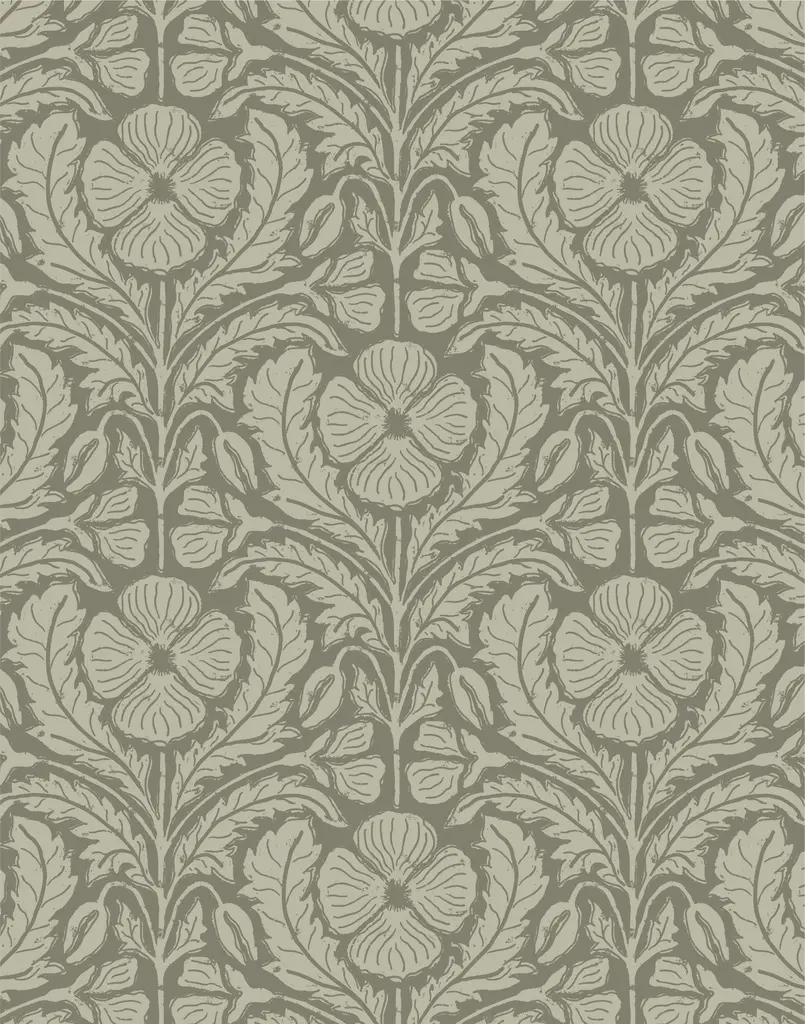
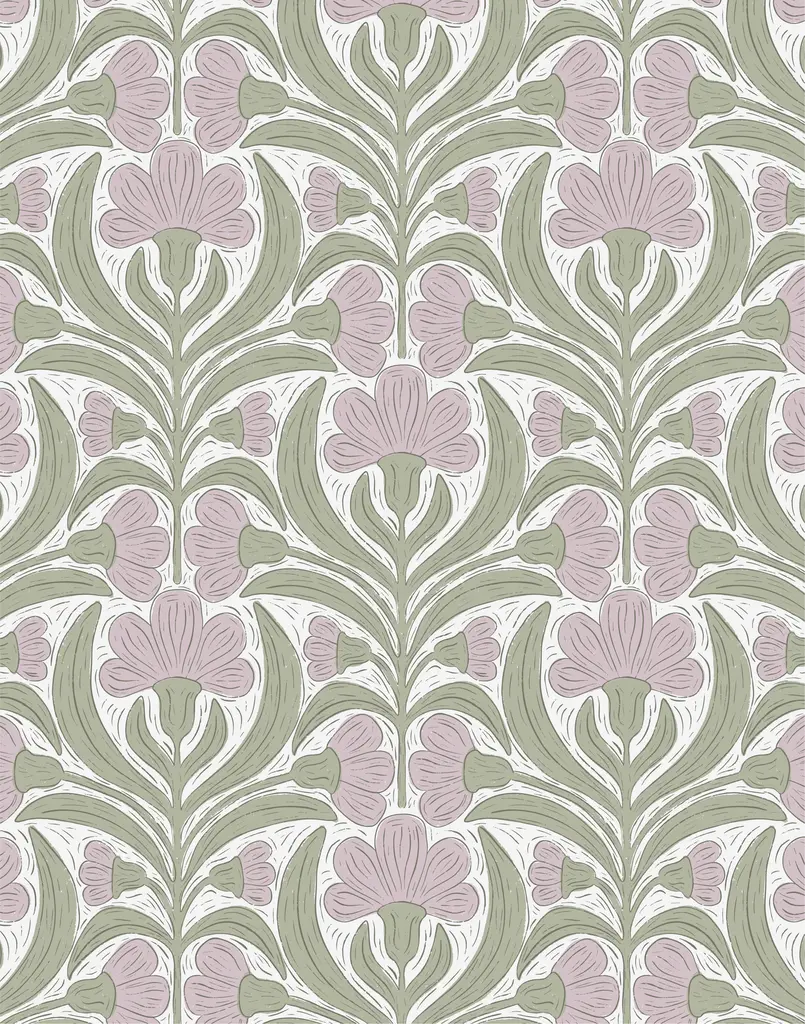
The block print poppy on the left in the image below is one of my Spoonflower bestsellers. So I went ahead and used it as a template for the block print flower on the right. Different blossoms, different leaf shapes, different colors — and the entire design looks very different from the first one!
How to Create your own Pattern Templates
Have you ever created a design that you just really, really love? Or it might be very popular on social media, or in your shop, or… Start with that design.
Here’s how to create the pattern template (I personally use Procreate for designing most of the time, but this works with any device or program you’re using):
- Find a design you love the layout of.
- Boil down the motifs to basic shapes: circles, triangles, ovals — whatever fits best.
- Trace over your design by simplifying the motifs into these basic shapes.
- Make sure to test the pattern template before you start using it, to guarantee a good overall pattern flow.
And that’s it! You’ve got your template and can get started on a new design right away.
See the templates I created below: I use a lot of circles in my templates, but also triangles, lines, or basic leaf shapes.
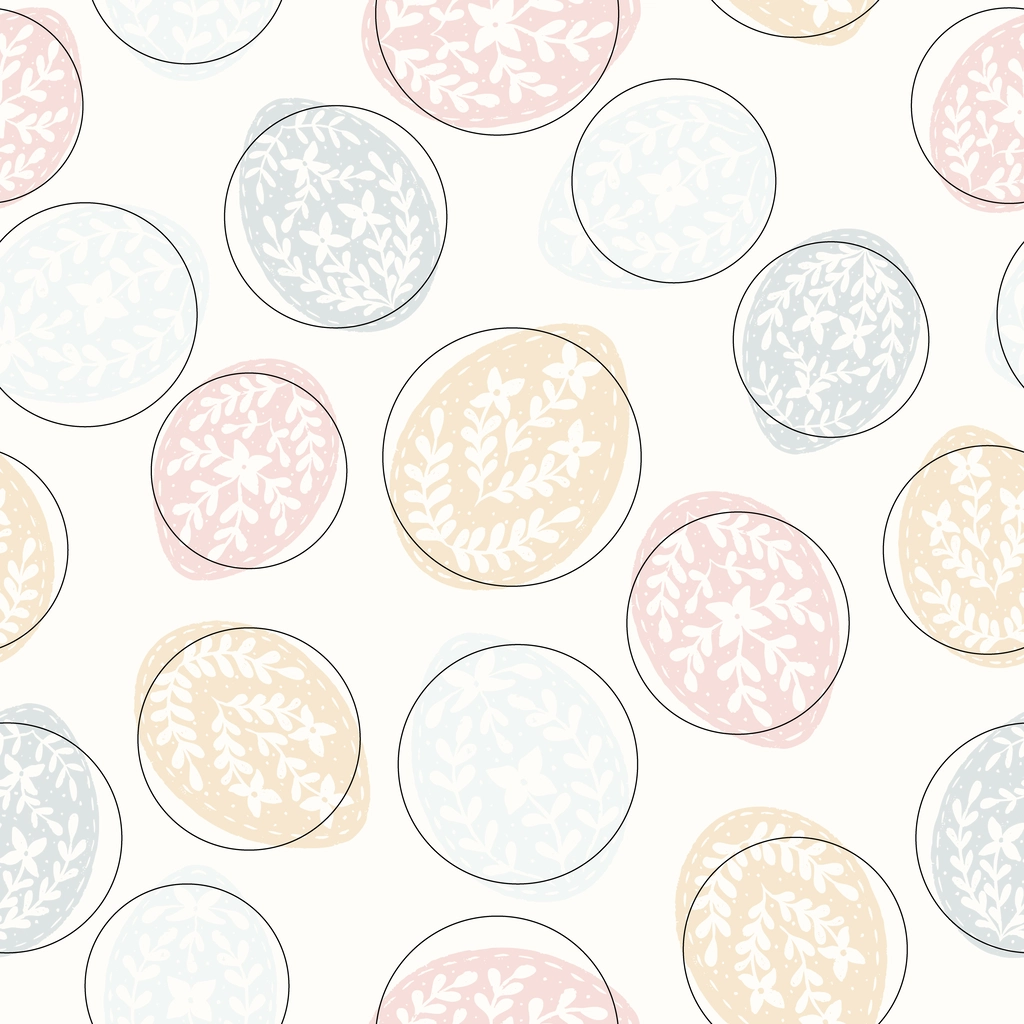
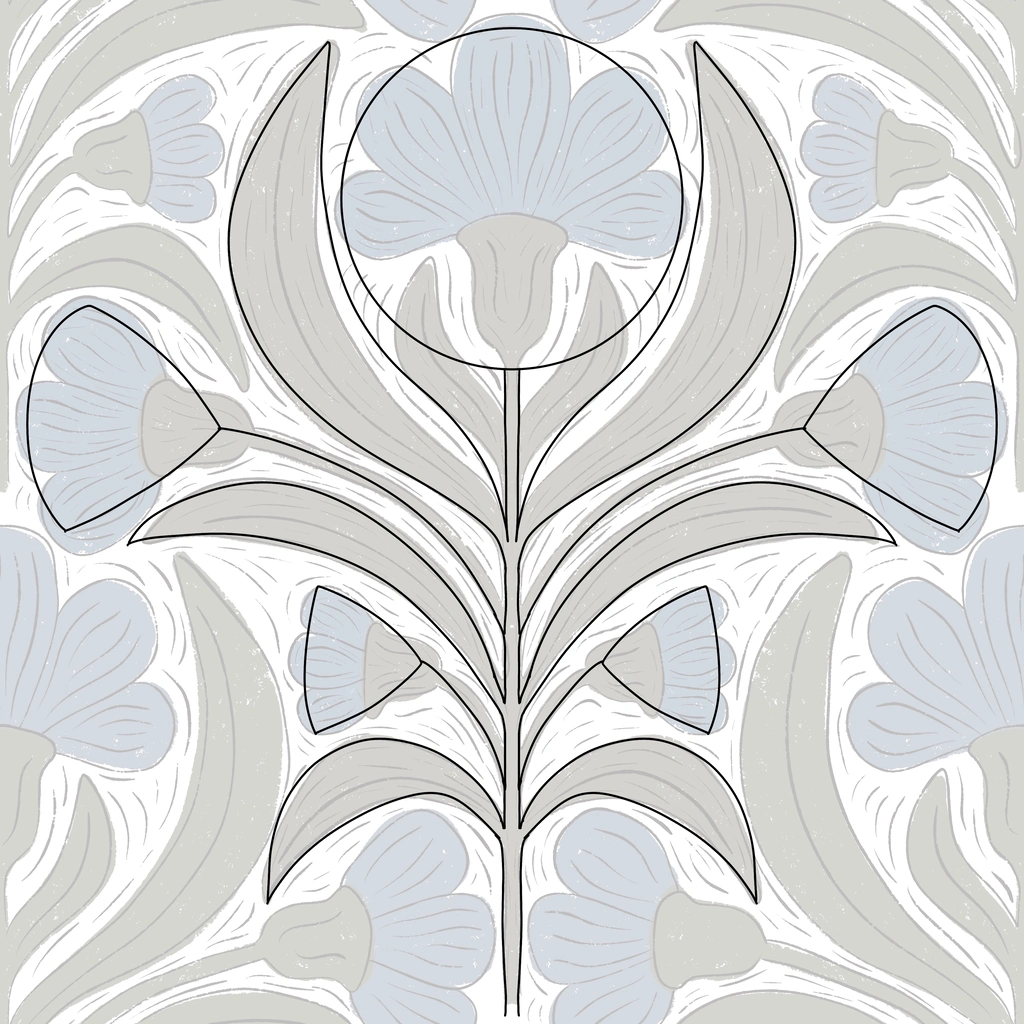
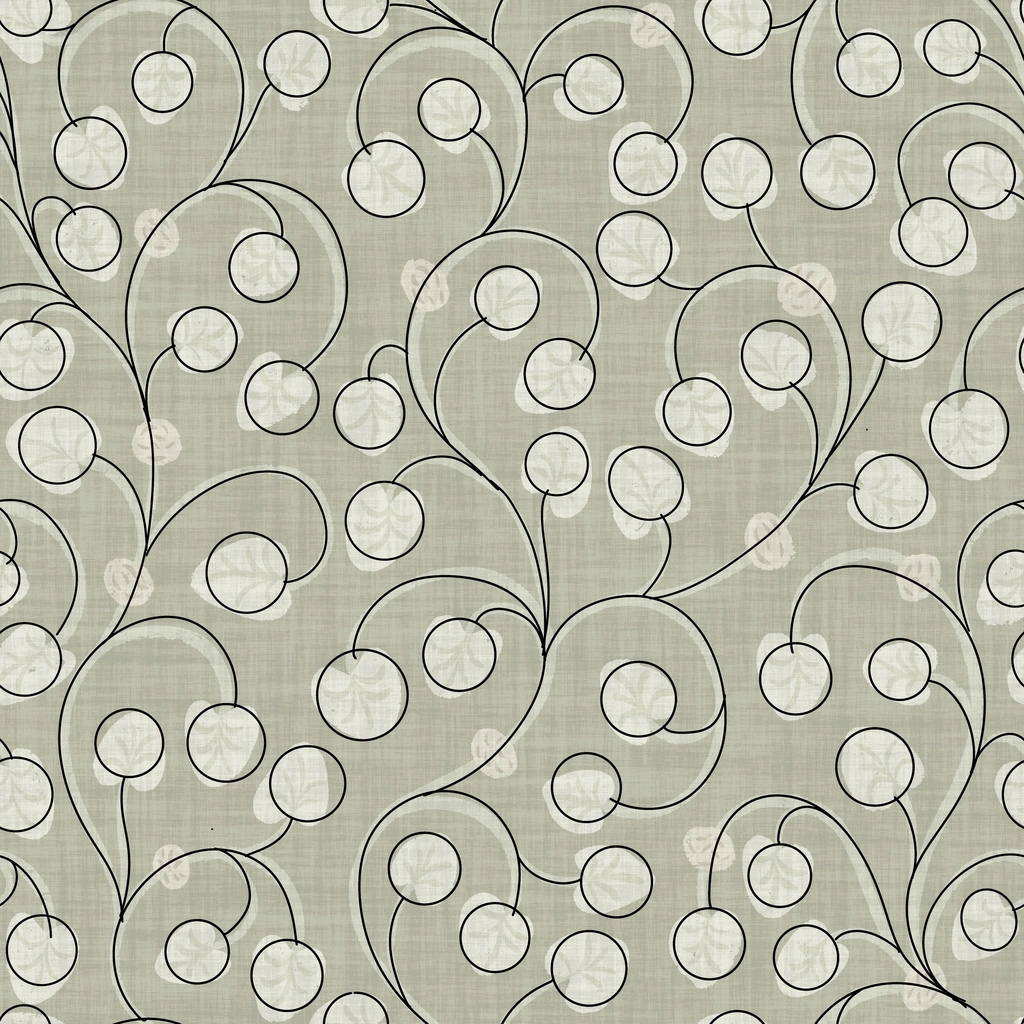
Are you wondering why you should use basic shapes? Because they help maintain overall motif balance while leaving you with enough freedom to vary the motifs each time. For example: A circle can become a 4-petal flower or a 6-petal flower. The petal shapes can be round or pointy… You get the gist.
Tips for Reusing Your Own Templates
My number one tip is that you should vary your motifs every time. If you’re doing florals, you can use different flowers as inspiration, like I did in the example above with the block print florals.
If you’re an advanced pattern designer, you also don’t have to strictly stick to your template. In fact, very often, I don’t. Instead, I change parts of the design as I go and only use the template as a rough starting point.
See the three designs below: The overall directions and flow of the vines are roughly the same in all three designs, but the motifs are very different, and the finished designs are not similar at all. However, the general style of flowing vines is maintained across all three designs.
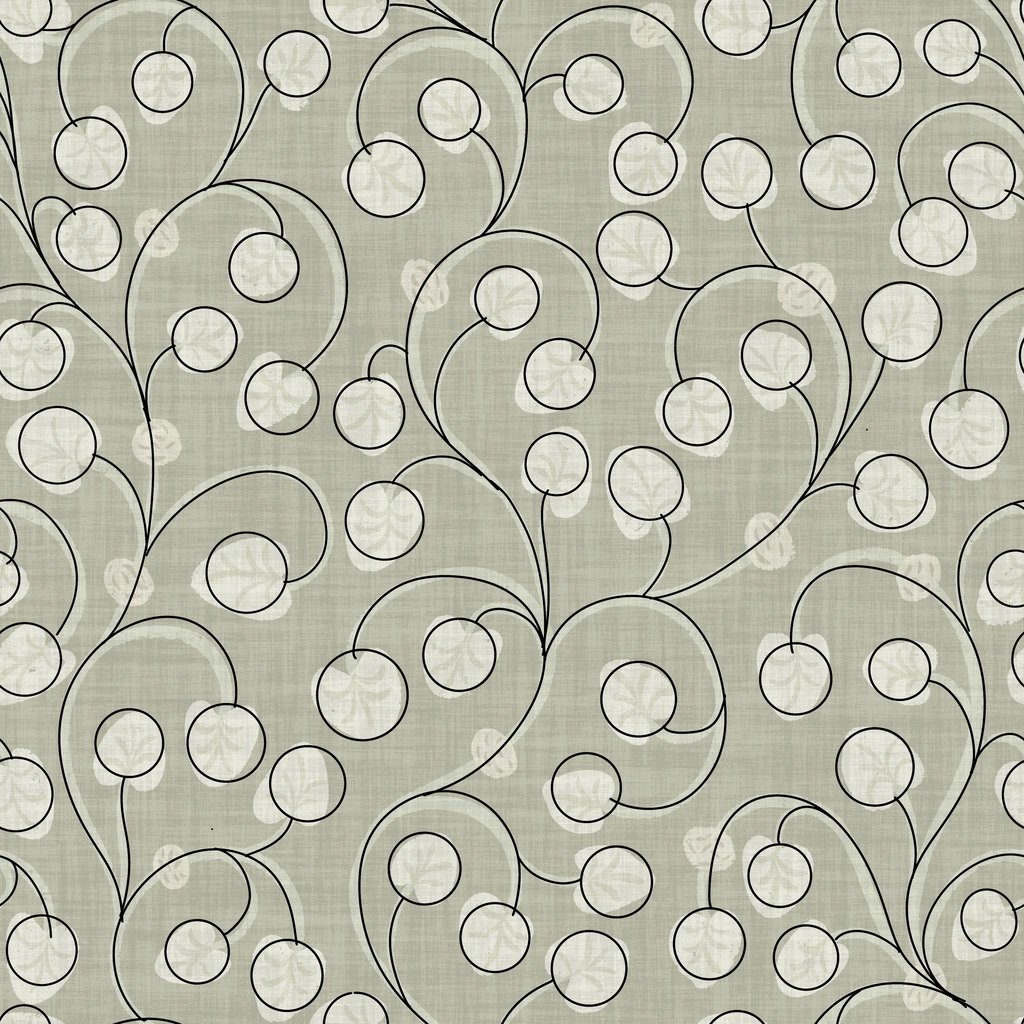
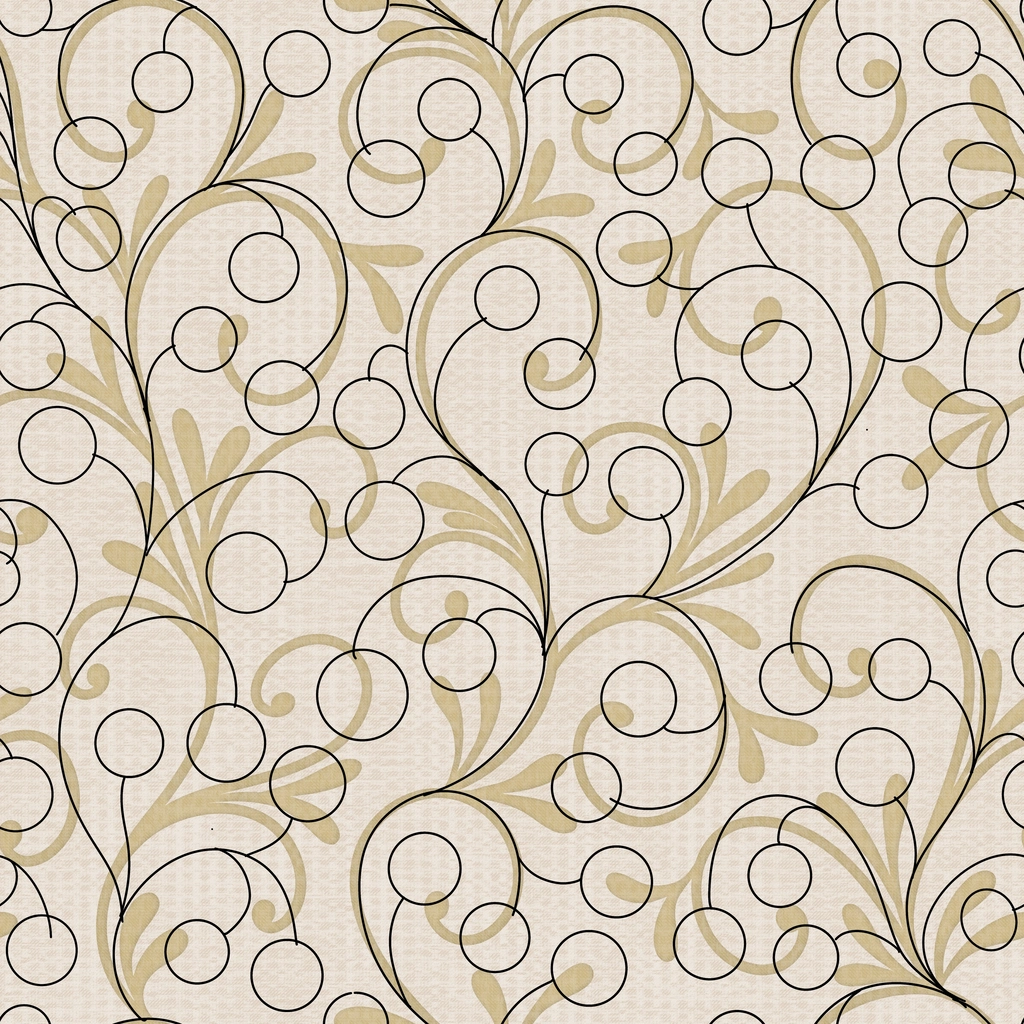
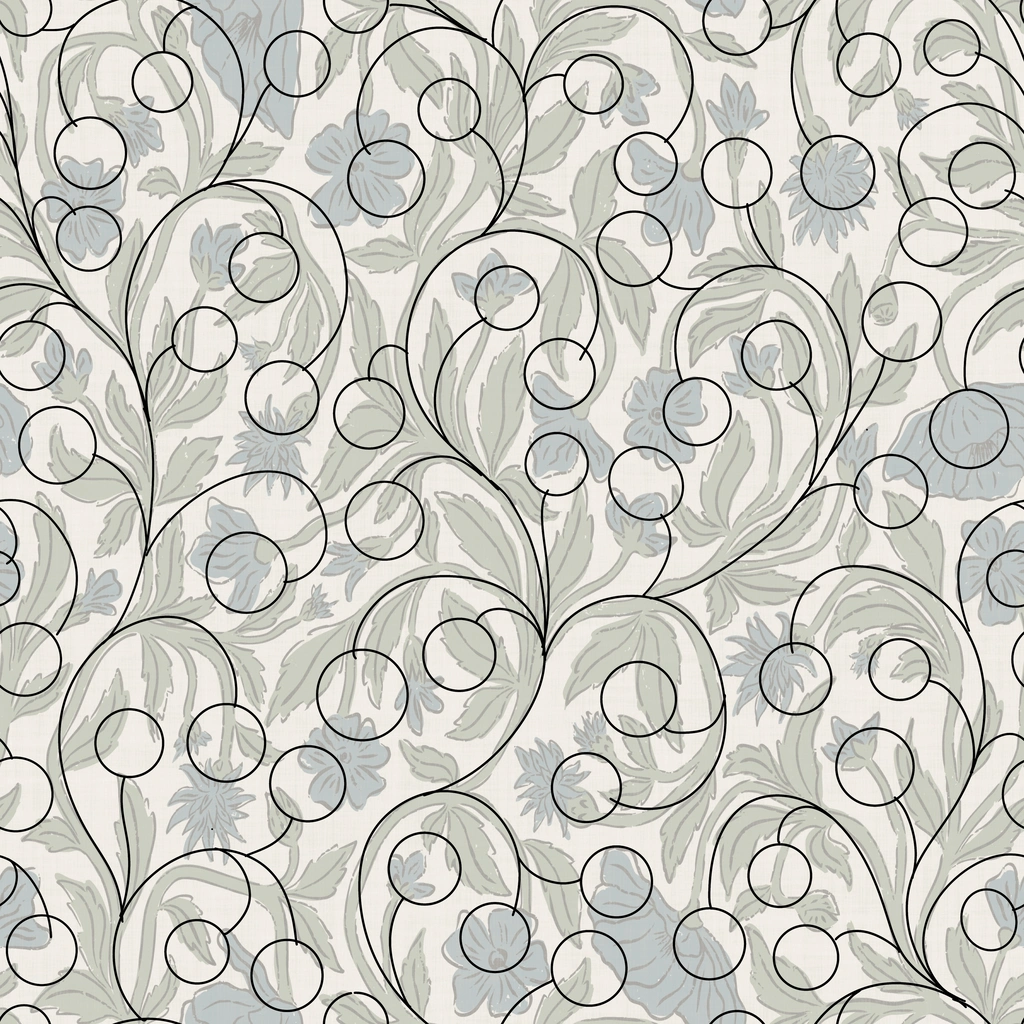
You can create even more variety by turning a square repeat template into a rectangle by slightly compressing the template and then adjusting the motifs accordingly.
You can also go simpler, for example by using a floral template for simple leaves, leaving some more negative space, like I did in the middle design above.
As you can see, the options to reuse your own templates are endless and no one will even notice you’re re-using the same template.
I hope you found my instructions useful and are motivated to create your own templates now. As a starting point, feel free to download the templates I created for you below. I would love to see the designs you create with my templates, so please tag me if you’re using them!
If you have any further questions, let me know in the comments or email me at hello@dalia-designs.com!
Sign up for my newsletter below if you don’t want to miss any updates!
Brief Summary (TL;DR)
I highly recommend creating pattern templates from your own design because it’s fast and easy and these templates will be in your own style. To do so, just take one of your designs and trace over it by simplifying the motifs into basic shapes like circles, triangles, squares, ovals or other. That’s it, you have your template!


Leave a Reply